
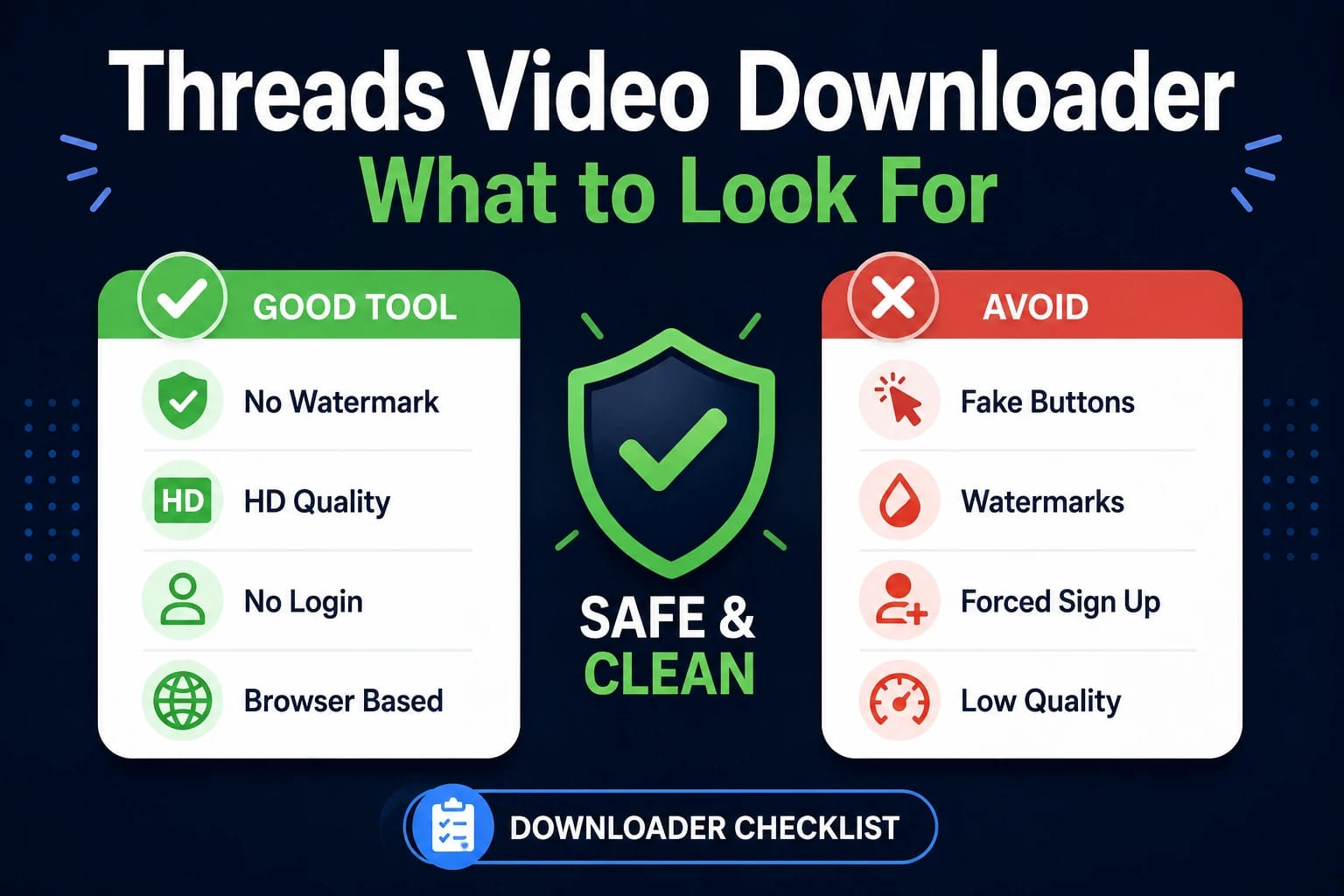
fThere are dozens of tools that claim to download Threads videos. Most of them work — technically. But “works” is a low bar when the output has a logo stamped on it, the page is covered in fake download buttons, or the tool quietly re-encodes your video at a lower bitrate before handing it back.
Knowing what to look for before you use a tool saves you from getting a result that isn’t what you wanted. These are the criteria that actually matter.
What a Good Threads Video Downloader Actually Does
At the technical level, all Threads video downloaders do the same thing: they take a post URL, find the video file on Threads’ servers, and give you a way to download it. The differences are in how they handle that process — and what they add, change, or take away along the way.
A good tool fetches the original file directly from Threads’ CDN and delivers it to you without modification. What you download is what was uploaded — same resolution, same bitrate, same audio quality. Nothing added, nothing removed.
A less careful tool re-encodes the video before delivering it. Re-encoding always loses quality. It also creates the opportunity to add a watermark during the process.
The Criteria That Matter
No watermarks on the output. This is non-negotiable if you want the clean original. A tool that adds its own logo to your downloaded video has re-processed the file. If you see branded example videos on a downloader’s site, that’s exactly what you’ll get.
Direct file fetch, not re-encoding. Hard to verify without technical knowledge, but there are proxies: if the tool offers multiple quality options that match what the original was uploaded in, it’s probably fetching directly. If it offers only one quality option regardless of source, it’s likely re-encoding.
No mandatory registration. There’s no technical reason a downloader needs your email or an account to fetch a public video. If registration is required, the tool is collecting data as the implicit cost of using it.
No fake download buttons. Some downloader sites place ads designed to look exactly like download buttons. Clicking them opens ad pages instead of starting a download. A tool that does this is optimizing for ad revenue, not user experience.
Works across devices without separate apps. A browser-based tool that works on Android, iPhone, and desktop is more practical than one that requires platform-specific apps for each device.
Red Flags to Watch For
Watermarks on example screenshots. If the promotional material shows downloaded videos with a logo in the corner, that’s your output too.
Only one quality option. Suggests re-encoding rather than direct fetch. Original quality options should reflect what was actually uploaded.
Aggressive redirects. If clicking anywhere on the page opens new tabs or redirects you before you can download, leave.
Requests for Threads login credentials. No legitimate downloader needs your Threads username and password. Any tool asking for this should be avoided entirely.
“Premium” tier for HD quality. Threads videos are publicly accessible in their original quality. A tool that paywalls HD access is artificially limiting the free tier.
What About Browser Extensions?
Some Threads downloaders come as browser extensions rather than websites. Extensions can be convenient, but they come with a significant trade-off: they typically request permission to read and modify everything you do in your browser. That’s a substantial permission to grant something you found while looking for a video downloader.
Browser-based tools (websites, not extensions) don’t get these permissions. They process your link server-side and return a download — nothing runs inside your browser session. For most users, this is the safer and simpler option.
The Practical Test
Before using any tool for content you actually care about, test it with a video you don’t. Download something insignificant and check the file:
Does the output have a watermark? Is the resolution what you expected? Is the file size reasonable for the video length and quality? Did anything unexpected happen during the process?
If everything checks out, the tool is doing what it’s supposed to. If the output has a logo or the quality is noticeably worse than the original, find a different tool.
The Short Version
A reliable best Threads video downloader fetches the original file without re-encoding it, adds no watermark, requires no registration, and works in the browser without extensions or app installs. The red flags that indicate a tool isn’t doing this: watermarked examples, single quality options, fake download buttons, and requests for your Threads credentials. savethr.com fits the criteria: direct fetch, no watermark, no login, works on any device from any browser.