
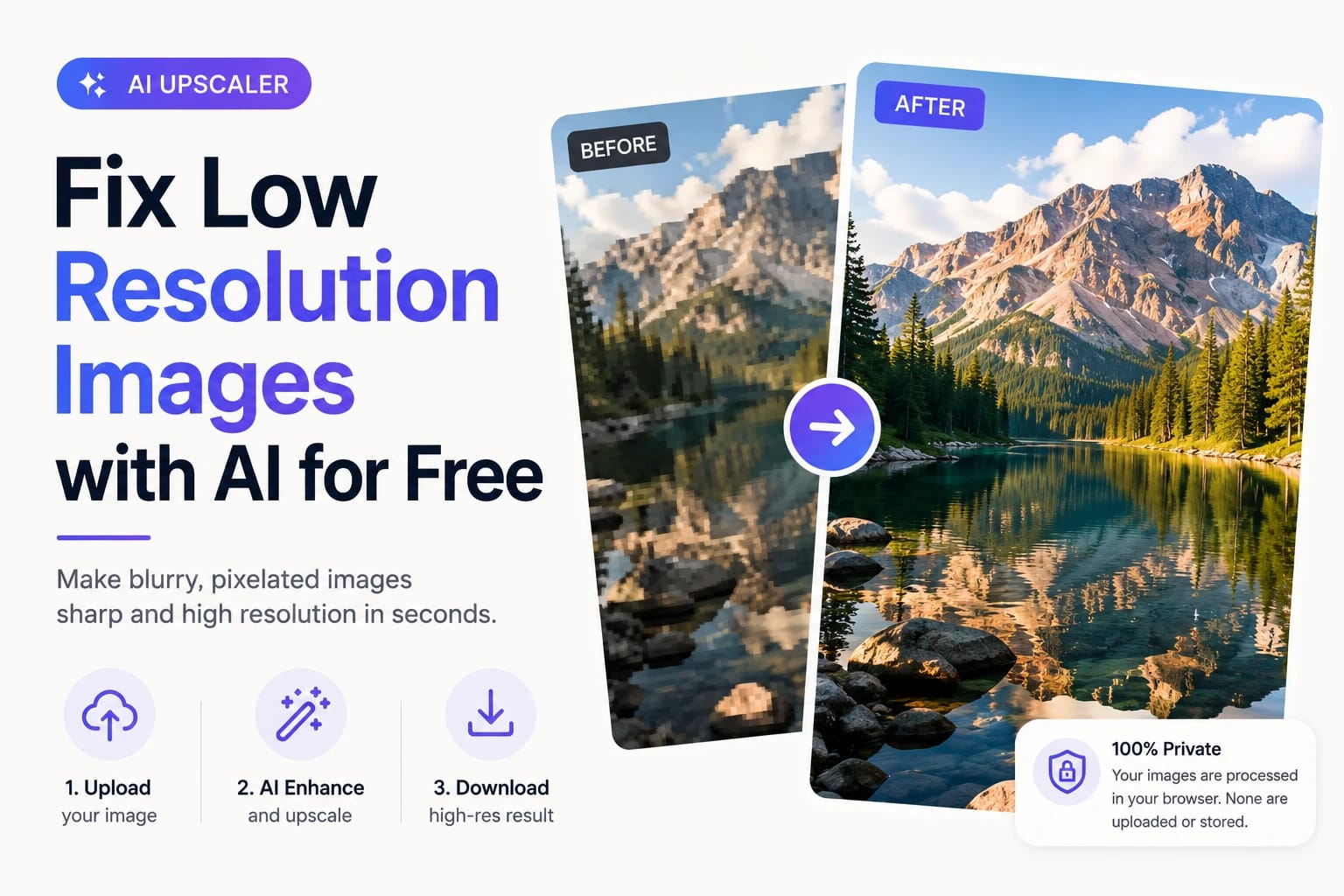
Low resolution images are everywhere — product photos too small for modern listings, old digital photos that look pixelated on today’s screens, downloaded thumbnails that need to be larger, or AI-generated images that need to be upscaled for print. The problem used to require expensive software and technical knowledge to fix properly. AI has changed that completely.
What Makes an Image ‘Low Resolution’?
Resolution refers to the number of pixels in an image — typically expressed as width x height (e.g. 800×600) or as megapixels. An image is considered low resolution when it doesn’t have enough pixels for the intended use:
| Use Case | Minimum Recommended Resolution | Low Res Threshold |
| Web / social media display | 1080×1080 for square posts | Below 600px on any side |
| E-commerce product listing | 1000×1000 minimum (most platforms) | Below 800×800 |
| A4 print at 300 DPI | 2480×3508 pixels | Below 1500px on long side |
| Large format print / poster | 3000×4000+ | Below 2000px on long side |
| HD display (1080p) | 1920×1080 | Below 1280×720 |
Why Traditional Upscaling Doesn’t Work
The simplest way to make an image larger is to just stretch the pixels — this is called interpolation. Every basic image editor does this automatically when you increase the size. The problem is that stretching pixels doesn’t add any new information. The result is a larger image that’s blurry or blocky, with the same lack of detail as the original, just spread across more pixels.
AI upscaling solves this by adding real information. The model has learned from millions of images what high-resolution detail looks like, and uses that knowledge to intelligently reconstruct the detail that should exist in the upscaled version. The result is a genuinely sharper image — not just a larger blurry one.
How to Fix a Low Resolution Image with AI
Phototune.ai’s AI image enhancer at phototune.ai/ai-image-enhancer supports 2x and 4x upscaling with AI reconstruction. Here’s how to use it:
Step 1: Open Phototune.ai in your browser. No account, no downloads — works on any device.
Step 2: Upload your low-resolution image. JPG, PNG, WEBP, and AVIF are supported up to 10MB.
Step 3: Choose 2x or 4x upscaling. Use 2x if the image is close to the resolution you need. Use 4x if the image is significantly too small — for example, a 400×400 product photo that needs to be 1600×1600 for a marketplace listing.
Step 4: The AI processes the image, reconstructing detail and sharpness as it upscales. This takes a few seconds.
Step 5: Download the result. The output will be 2x or 4x the dimensions of the original, with noticeably improved sharpness and detail.
2x vs 4x: Which Should You Choose?
| Scenario | Recommended Option |
| Product photo is 800×800, need 1600×1600 for marketplace | 2x — doubles dimensions exactly |
| Old family photo is 400×300, want to print at A4 | 4x — brings it to ~1600×1200, then crop/adjust for print |
| Downloaded thumbnail is 300px wide, need web-ready 600px | 2x — quick and clean |
| AI-generated image is 512×512, need poster quality | 4x — brings to 2048×2048, closer to print-ready |
| Product photo is decent but slightly soft, same size needed | 2x — sharpness improvement without size change matters here |
Common Use Cases
E-commerce sellers: marketplace platforms like Amazon, Etsy, and Shopify have minimum resolution requirements for product images. Old product photos that don’t meet these requirements can be upscaled to compliance without a new photoshoot.
Photographers and designers: client photos from older shoots that need to be reprinted at larger sizes can be upscaled and sharpened to meet modern print requirements.
Social media managers: images downloaded from older campaigns or sourced from clients at low resolution can be brought up to the minimum dimensions for today’s platform requirements.
Content creators: thumbnails, reference images, and archive photos that are too small for modern display can be fixed quickly without sourcing new assets.
Privacy and Data Handling
Phototune.ai processes images locally in your browser — they are not sent to an external server. Your photos are automatically cleared from memory after processing. No account is required, so no personal data is collected.
Fix low resolution images for free with the Phototune photo enhancer — upload your image, choose 2x or 4x AI upscaling, and download a sharper, higher-resolution result in seconds. Works on product photos, portraits, old prints, screenshots, and more.