
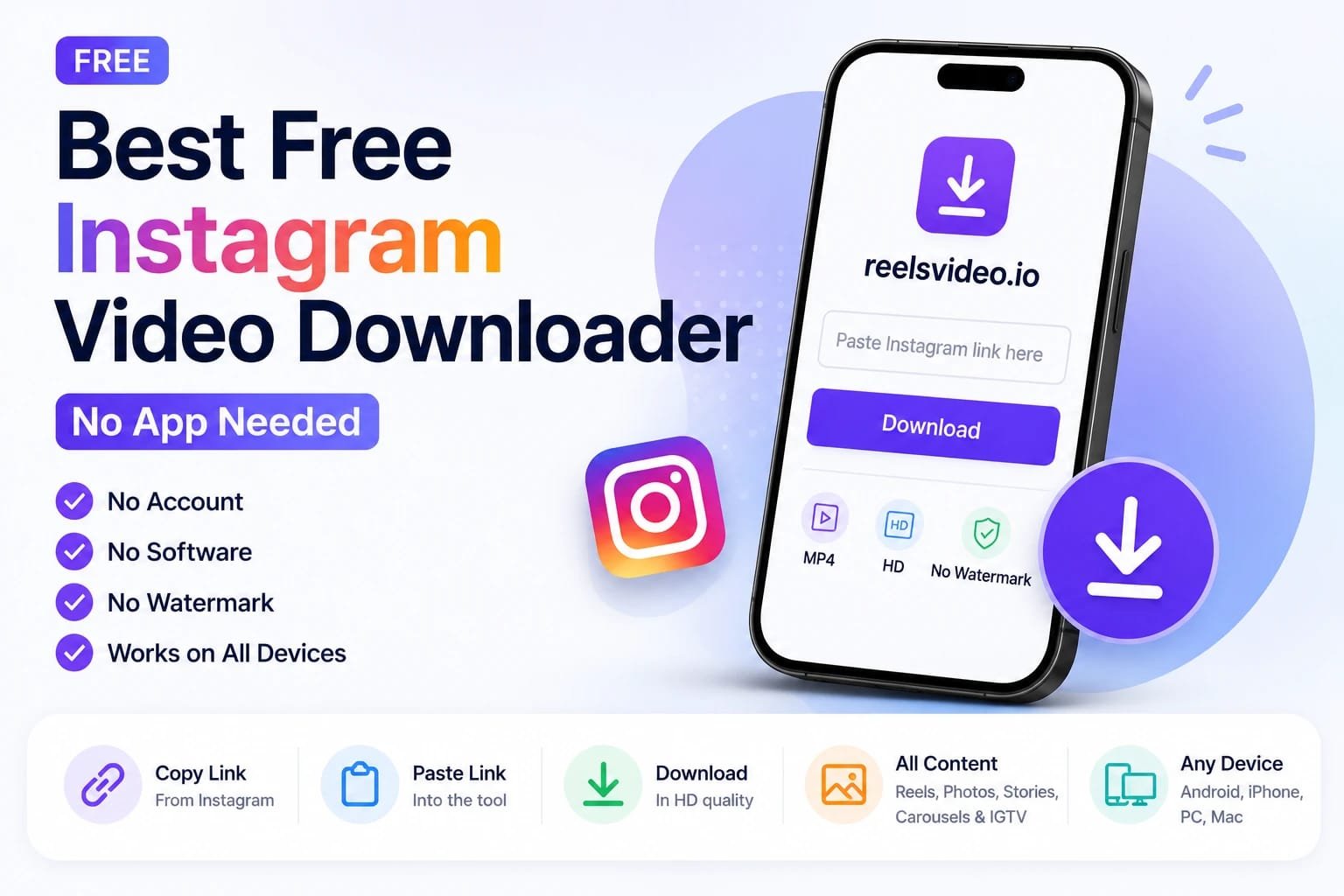
Search for an Instagram downloader and you’ll find dozens of apps, browser extensions, and desktop programs — many asking for permissions they don’t need, or pushing you to install something just to copy a link. The truth is you don’t need any of that. A free instagram downloader that works entirely in your browser is faster, safer, and just as capable. Here’s what to look for and exactly how to use one.
What Makes a Downloader Actually Good
Before trusting any tool with your downloads, check for these basics:
| What to check | Why it matters |
| No login required | A legit tool only needs the post URL, never your Instagram password |
| No watermark added | The file should match what the creator originally posted |
| Works without installing anything | Browser-based tools are safer and don’t take up storage |
| Supports all content types | Reels, photos, carousels, Stories — not just one format |
| No forced software downloads | If a site pushes an installer, that’s a red flag |
How to Download Instagram Videos Without an App — Step by Step
Open reelsvideo.io in any browser — phone or desktop. Free, no sign-up.
- Open Instagram and find the video, Reel, or post you want to save.
- Tap the three dots (••• on iPhone, ⋮ on Android) on the post.
- Select Copy link.
- Go to reelsvideo.io in your browser.
- Paste the link into the input field and tap Download.
- The original file saves to your device in HD — no watermark, no extra software.
On Android
Chrome downloads the file directly to your Downloads folder, and it shows up in the Gallery automatically. No browser extension or separate app needed. If it doesn’t appear in the gallery, check the Download folder in your file manager.
On iPhone
Safari sometimes tries to play the video in the browser instead of saving it. Here’s the fix:
- Copy the Instagram link.
- Open Safari and go to reelsvideo.io.
- Paste the link and tap Download.
- If the video plays in the browser — tap and hold on it, then choose Download Linked File.
- The file appears in Files → Downloads.
On PC or Mac
- Open Instagram in your browser and go to the post.
- Click the three dots and select Copy link.
- Open reelsvideo.io in a new tab.
- Paste the link and click Download.
- If the video opens in the browser, right-click and choose Save video as.
Why Avoid Apps That Need Installation
Standalone downloader apps come with real downsides: they take up storage, often request unnecessary permissions like contacts or photo library access, and need updates to keep working as Instagram changes its platform. A browser-based tool sidesteps all of that — there’s nothing installed, nothing to update, and nothing sitting on your phone collecting permissions you didn’t ask for.
What Content Can You Download?
A solid free downloader handles every public content type on Instagram:
- Reels and feed videos — saved as MP4 in original quality
- Photos and carousels — saved as JPG files
- IGTV — long-form video content
- Stories saved in Highlights — accessible from a profile
Private account content stays off-limits — that’s an Instagram-level restriction no tool can get around.
Frequently Asked Questions
Is it really free, no hidden subscription?
Yes. No subscription, no account, no download limit.
Does the downloaded file have a watermark?
No. The tool retrieves the original file from Instagram’s servers without adding any branding.
Will the creator know I downloaded their content?
No. Instagram doesn’t notify creators about downloads made through external tools.
Free, Fast, and Nothing to Install
Copy the link, paste it into reelsvideo.io, and tap Download. That’s genuinely it — an instagram downloader without watermark, no app taking up space on your phone. Works on Android, iPhone, and computer.